
Bring Your Own Device (BYOD)
Bring your Own Device
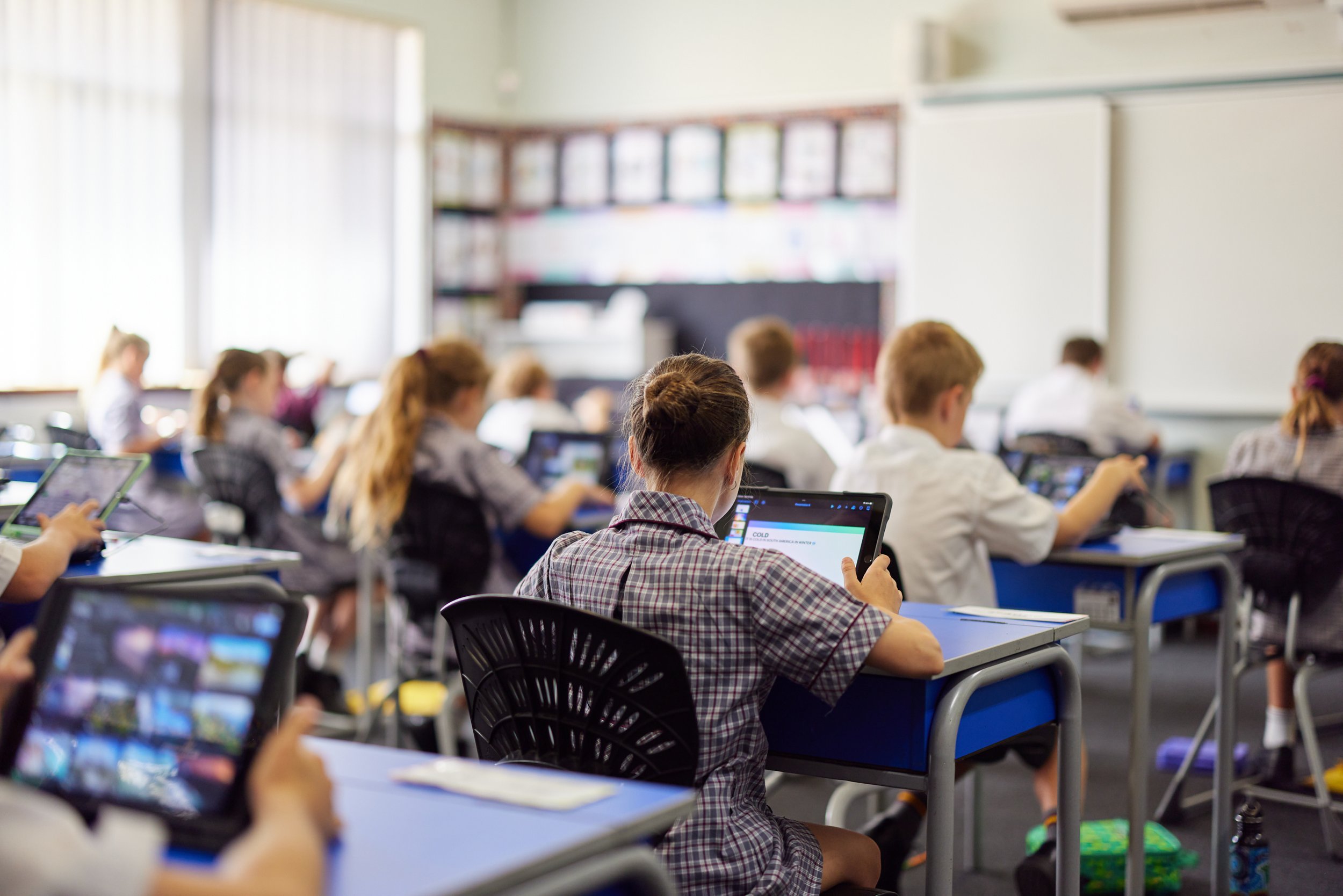
Bring Your Own Device (BYOD) requires all students to bring their personal devices to the College for educational purposes.
In 2025, Mandurah Catholic College started the transition from a BYOD strategy to a College Managed Device (CMD) one. The move has been staggered, with Year 4 and Year 7 making the transition first. By 2027 all students from Year 4 to Year 9 will be using a CMD. Years 10, 11 and 12 will continue as BYOD.
To find out if your child will remain BYOD, please check the table below.
| Year Level | 2024 | 2025 | 2026 | 2027 |
|---|---|---|---|---|
| Kindergarten | Class Set | Class Set | Class Set | Class Set |
| Pre-Primary | Class Set | Class Set | Class Set | Class Set |
| Year 1 | Class Set | Class Set | Class Set | Class Set |
| Year 2 | Class Set | Class Set | Class Set | Class Set |
| Year 3 | Class Set | Class Set | Class Set | Class Set |
| Year 4 | BYOD | CMD | CMD | CMD |
| Year 5 | BYOD | BYOD | CMD | CMD |
| Year 6 | BYOD | BYOD | BYOD | CMD |
| Year 7 | BYOD | CMD | CMD | CMD |
| Year 8 | BYOD | BYOD | CMD | CMD |
| Year 9 | BYOD | BYOD | BYOD | CMD |
| Year 10 | BYOD | BYOD | BYOD | BYOD |
| Year 11 | BYOD | BYOD | BYOD | BYOD |
| Year 12 | BYOD | BYOD | BYOD | BYOD |
Frequently Asked Questions
-
The minimum and recommended hardware specifications for any device intended to be enrolled in the school BYOD program are displayed in the Device Specifications sections of this page. To ensure an acceptable level of performance at school, the device must meet the minimum specifications.
In some instances, a previous-generation device may be suitable, but it is discouraged. Older devices are more likely to encounter issues that can be disruptive during lessons. Please consider the following before using an older device.
Previous generations of iPads and MacBooks come with slower processors, potentially leading to unsatisfactory performance with certain applications in class.
Over time, the battery capacity of older iPads and MacBooks naturally diminishes, resulting in shorter battery life than newer devices.
Apple’s support for previous generations of iPads and MacBooks may end sooner. While Apple has traditionally been generous in supporting devices for 5-6 years after their release, this is not guaranteed. Owning a newer device increases the likelihood of compatibility with all updates and fixes released by Apple.
Before using an older device, it must be checked by the Mandurah Catholic College ILT Helpdesk to ensure its suitability.
Please note that devices running the Windows operating system are incompatible with Mandurah Catholic College software and unsuitable for use.
Parents will not need to purchase Microsoft Office, Apple iWork or Adobe Creative Cloud. During student induction, these software packages are provided to students through the College’s Self Service app.
-
The College recommends that all parents take advantage of educational discounts offered by our business partners Winthrop Australia, PRA Technology Solutions or JB HiFi Education. Devices and accessories purchased from these partners can be conveniently delivered directly to your home address.
Mandurah Catholic College understands the financial considerations of our parents. There is no requirement to purchase a new device if your child already possesses one meeting the recommended specifications. Ultimately, the choice of where to buy and how much to spend is at your discretion. If you decide to source a device from a different vendor, please ensure it meets the minimum requirements.
Purchase from Winthrop Australia
Purchase from PRA Technology Solutions
Purchase from JB HiFi Education - Use school code CATHOLICEDUWA
Other Links
-
Please contact the Mandurah Catholic College ILT Helpdesk via email mccilt@cewa.edu.au or call (08) 9531 9748 to discuss your options.
-
Students in Years 10 to 12 will be able to choose either an iPad or a MacBook.
iPad
Minimum
iPad 9th Generation - 64GB Wi-Fi Model
Keyboard such as the Logitech Rugged Folio Keyboard Case
Apple Pencil
Headphones - Wired
Recommended
iPad Air 13” - 256GB -Wi-Fi Model
Logitech Keyboard Case with TrackPad
Apple Pencil
AppleCare+
Apple EarPods - Wired
MacBook
Minimum
MacBook Air - 256GB - M1 Model
Protective case such as the STM DUX for MacBook Air
Headphones - Wired
Recommended
MacBook Air - 256GB - M4 - 13” Model
STM DUX for MacBook Air
AppleCare+
Apple EarPods - Wired
-
Parents/Guardians must be informed and understand their obligations relating to the use of devices at the College by students and are requested to assist in facilitating its implementation.
The primary purpose of a student device is to support student education. Parents/Guardians must acknowledge and accept that the installation, configuration, and support of College-approved software and required device settings must take priority over privately owned applications and customizations.
Parents and Guardians are also requested to review the College’s Information Learning Technology Acceptable Use guidelines. To view the guidelines, please visit ILT Acceptable Use By Students (2024).
-
Please contact the Mandurah Catholic College ILT Helpdesk via email mccilt@cewa.edu.au or call (08) 9531 9748 to discuss your options.
-
Do I need to follow the device requirements specified on the MCC website?
Yes, the devices specified on the MCC website are standard for the year groups.
If the required device is an iPad, a MacBook cannot be used as an alternative. An iPad offers functionality not available with a MacBook, such as the Apple Pencil, which is utilized in the classroom. An example of this would be writing notes on the iPad. We provide all students with the full version of the GoodNotes application, which fully supports the Apple Pencil for note-taking.
You are welcome to purchase a higher-specification device or the latest generation if you wish. A few parents have opted to buy an iPad Pro for the higher performance, larger screen, and improved Apple Pencil, but this is entirely optional.
Devices running the Windows operating system are incompatible with college software and unsuitable for use. At MCC, we use Apple technology in the classroom every day. A non-exhaustive list of Apple-exclusive technology used would be:
AirPlay: Wireless screen mirroring to any TV and projector in the College when within range.
AirDrop: Wireless file sharing from iPad to iPad.
AirPrint: Authentication-based secure wireless printing.
Pages, Numbers, and Keynote: Apple's productivity suite, with full support for Apple Pencil's markup and group collaboration.
Garageband and iMovie: Apple's creative suite for music creation and video production - used in Media and Music classes.
Apple Classroom: Allows teachers to monitor a student's work when within the classroom.
Apple Classwork: Apple's real-time work distribution platform allowing teachers to mark work live.
How will my child’s device be covered or insured?
The College is not liable for loss, theft, or damage caused to a BYO device on or off College property. The parent is responsible for ensuring the student device is insured, and the insurance policy covers the BYO device on or off College property.
When does my child receive their login details?
Student account details will be provided at student induction.
Where is my child’s work saved?
Students are given 200GB of storage space on iCloud and 1TB on OneDrive. Work should be stored in these locations and not locally on the device. It is the student’s responsibility to make sure they save their work to these locations.
Will the College monitor my child’s device while at home?
No. The remote management and internet monitoring systems used at the College do not work when the device is not connected to the College network. At the College, teachers can remotely connect to student devices using Apple Classroom. To use Classroom, students and the teacher must be on the same Wi-Fi network, Bluetooth must be on for both, and the student/teacher must be in the same physical proximity.
For more information on Apple Classroom, please visit www.apple.com/au/education/k12/teaching-tools/.
What parental control options do I have for my child’s iPad?
The College believes parents and guardians should be empowered to help their children take control of their technology use. Apple Screen Time lets you know how much time your child spends on apps, websites and more.
For more information on Apple Screen Time, please visit support.apple.com/en-au/HT208982.
Do not use Family Sharing to manage your child’s device. Restrictions on student’s CEWA Apple IDs prevent them from being added to Family Sharing accounts.
What happens if my child’s device is broken?
If a student's device becomes broken during the school term, a loan device can be made available from the ILT helpdesk while the original device is being repaired.
Devices can be loaned for up to 30 days and incur a $30 fee. Short-term loans (One school day) are free of charge. Only a limited number of devices are available for loan from the helpdesk, so their availability is not always guaranteed.
Can devices be charged at school?
Students must ensure their devices are fully charged before arriving at school. In circumstances where this has not been possible, the student’s device can be charged in the self-service charging station at the ILT helpdesk. Students will need their SmartRider card to access the station.
Configuring Your Device
To configure your device, simply follow the below tutorials. Alternatively, you can visit the Mandurah Catholic College ILT Helpdesk between 8.00am – 4.00pm, Monday – Friday (including the term breaks), reach out via email mccilt@cewa.edu.au or call (08) 9531 9748.
If you cannot sign out of a personal Apple ID on your child’s device or if the sign-out button is greyed out, it is likely that you have screen time turned on. Instructions on how to turn screen time off can be found at this link: How To Force Sign Out.